Kusan City of Wolves Tools Hub
Interactive helpers for S-Rank checklists and mid-run Bolts spending in Jin’s campaign.
Welcome to the Tools Hub
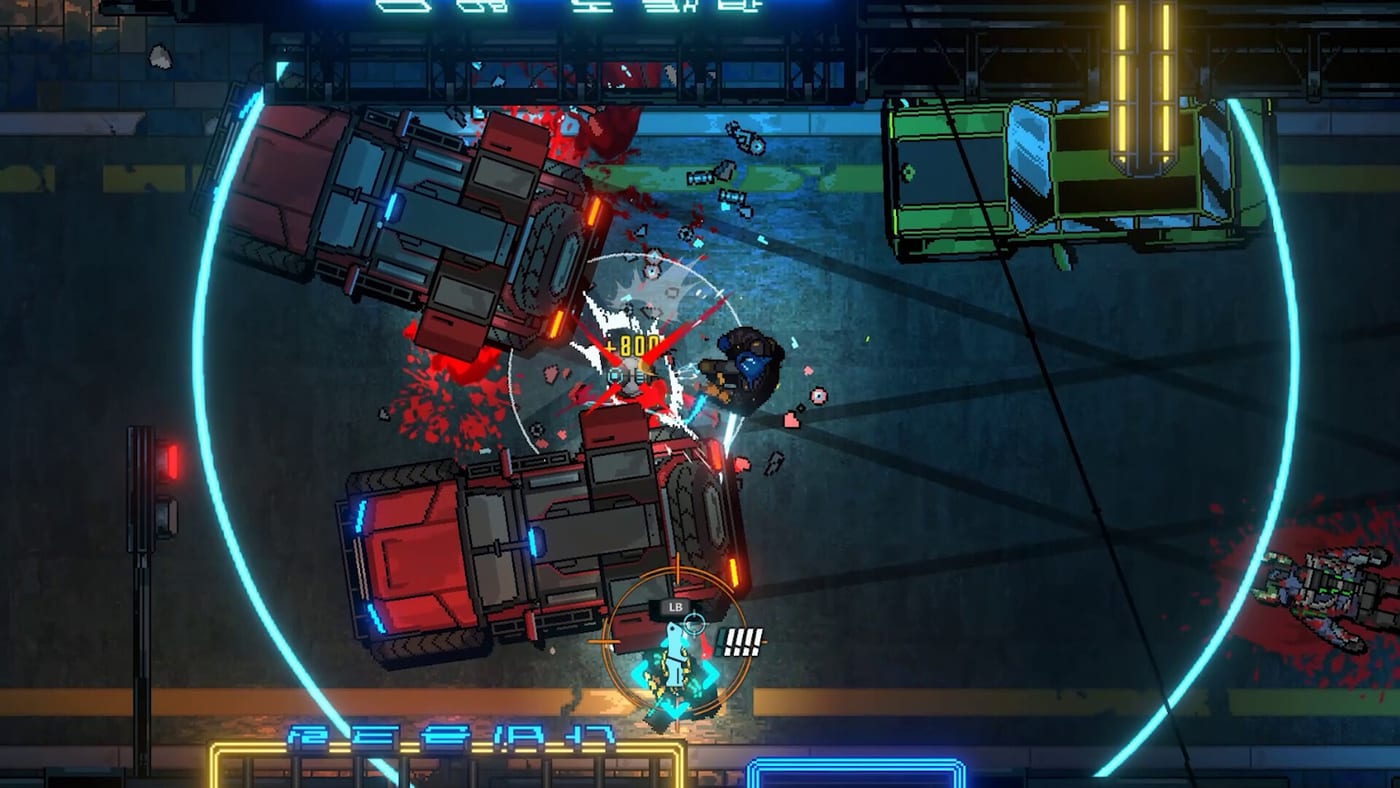
Kusan City of Wolves rewards planning as much as reflexes. CIRCLEfromDOT and PQube built a hardcore top-down shooter where stylish chains earn Bolts, War Hand upgrades change the next corridor, and perfectionists chase S-Rank across 54 hand-crafted stages. This Tools Hub collects interactive helpers that keep that practice honest—without replacing the muscle memory you still have to earn in-game.
Launch is set for July 30, 2026 on PC (Steam), PlayStation 5, Xbox Series, and Nintendo Switch. A demo is already live on major platforms, so you can start logging stubborn rooms and testing upgrade priorities before day-one chapters open.
What lives in this hub
S-Rank Tracker
The S-Rank Tracker is a browser checklist for stage clears you still need to polish. Mark rooms as done, watch the progress counter climb, and reset when you want a fresh campaign pass. Progress saves locally in your browser so you can close the tab and return later.
Use it beside the written S-Rank guide. The guide explains habits—speed, precision, clean leftovers. The tracker remembers which chapter slices still own you.
Bolts Planner
The Bolts Planner helps you compare upgrade priorities before you waste a mid-run bank. Enter Bolts on hand, toggle options like War Hand Impact, Quantum Knife recall speed, parry window, or style multiplier estimates, and see remaining currency before the next kingpin pressure spike.
Pair it with War Hand and Bolts so the planner’s cost estimates sit on top of real combat advice: smash breakables, chain parries, scoop Bolts, then buy what the next arena actually needs.
Why tools beat sticky notes
Kusan’s loop is fast. Rooms end in seconds. Bosses punish hesitation. If your only “tracker” is memory, you will forget which Chapter 3 warehouse still needs a clean style pass while you are busy learning Quantum Knife angles. Interactive tools keep the admin work out of your hands so your brain can stay on movement and targeting.
Recommended practice loop:
- Play a stage or demo slice.
- Note whether failure was routing, knife spacing, Bolts poverty, or boss patterns.
- Update the S-Rank Tracker if the grade was the goal.
- Open the Bolts Planner if upgrades were the bottleneck.
- Reread the matching guide—How to Play, Quantum Knife, or Getting Started—then reset.
How tools connect to the rest of the wiki
Story pressure explains why you care. Jin is protecting Haru while the city circles her power and figures like Wonny, Ayn, DJ Garak, Guan, and Hoban shift the board. Read the Characters Hub when a cutscene name distracts you, then come back here when you need the checklist, not the lore.
For honest expectations based on demo feel and marketing, use the Game Review. For Steam minimum specs (Intel Core i5-6600, 8 GB RAM, GeForce GTX 660) and platform availability, open Platforms and Specs.
Tool use tips
- Treat tracker stages as practice labels, not a full spoiler map of every secret.
- Planner costs are planning aids for mid-run thinking; always verify live prices in your build of the game.
- Reset the tracker when you start a new S-Rank season or after a major personal skill jump.
- Do not buy every upgrade at once in the planner—simulate the two purchases that unlock the next room’s plan.
- Keep Loptimist’s pressure soundtrack in your head: tools are quiet; the game will not be.
Quick index
- S-Rank Tracker — checklist progress for perfectionist clears
- Bolts Planner — upgrade spend simulations for War Hand and arsenal priorities
- Written companions: S-Rank, War Hand and Bolts, Guides Hub
Bookmark this Tools Hub. When a run ends with “I should have bought dash punch” or “I forgot which late-game precision stage still needs SS work,” you already know which page to open next.
Frequently Asked Questions
Quick answers to the most common questions.
What tools are available on this wiki?
An S-Rank Tracker for stage checklists and a Bolts Planner for upgrade spending simulations.
Does the S-Rank Tracker save progress?
Yes. It stores checklist state in your browser’s localStorage so you can return later on the same device.
Are Bolts Planner costs exact in-game prices?
Treat them as planning estimates for practice. Always confirm live upgrade costs in your current build.
Should I use these tools before the July 30, 2026 launch?
Yes. The demo already teaches the combat loop, so tracking and planning habits transfer straight into the full campaign.