Kusan City of Wolves Console Controls
Tune DualSense, Xbox, and Switch layouts for one-hit top-down combat before the July 30 2026 launch.
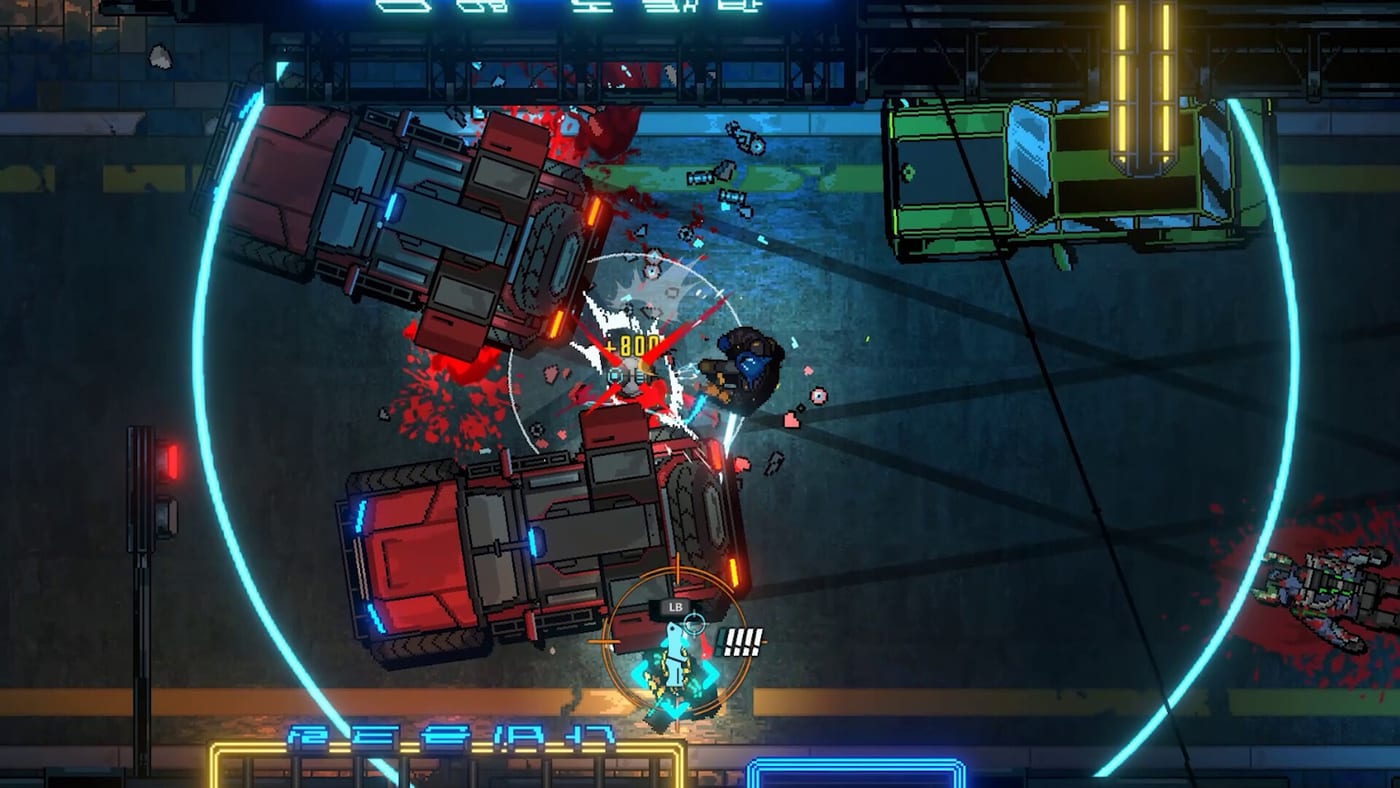
Console play in Kusan: City of Wolves asks for the same hardcore discipline as PC, just with different thumbs. CIRCLEfromDOT and PQube ship the game on PlayStation 5, Xbox Series X|S, and Nintendo Switch on July 30, 2026, and demos are already live on all three consoles—including the Switch demo since June 22, 2026—so you can settle pad habits early. This page covers DualSense, Xbox, and Switch notes for movement, aim, parry, Quantum Knife, War Hand, and comfort settings. Cross-check the Controls Hub, PC Controls, and the Switch Demo practice brief if you bounce between keyboard, pads, and handheld sessions.
Shared console priorities. Keep movement on the left stick and aim on the right stick with a dead zone large enough to ignore stick noise but small enough for micro-aim on knife targets. Put primary fire on a trigger you can hold through long rooms. Assign dodge to a bumper or face button your thumb can hit without releasing aim. Parry needs a crisp face button—Square/X, X/A, or Y/X depending on platform habits—because stylish defense feeds Bolts. Quantum Knife and War Hand must not share the same button as fire; on a one-hit-death design, a mis-tap is a full restart. Confirm every prompt in your console demo’s options screen rather than memorizing a third-party chart that may lag behind patches.
DualSense on PlayStation 5. Adaptive triggers can add weight to gunfire and melee impacts, which helps some players feel timing windows and distracts others during marathon chapter attempts. Start with medium trigger resistance, then lower it if your fingers fatigue before boss phases. Haptic feedback is useful when it telegraphs hits and environmental crunch from War Hand strikes; dial intensity down if rumble masks audio cues you use for parries. The DualSense touchpad is better reserved for menus than combat. If you prefer a more neutral pad, a standard layout that mirrors Xbox button roles still works—consistency across friends’ sessions matters more than novelty features.
Xbox Series X|S pads. The Xbox controller’s trigger travel and bumper reliability make it a strong default for top-down shooters. Many players keep fire on RT, aim modifiers or secondary fire on LT, dodge on LB or A, and specials on bumpers plus X/Y. Whatever you choose, rehearse a four-step chain: strafe, shoot, knife, War Hand. Xbox Short Impulse Triggers (on supported pads) are optional spice, not a requirement for S-Rank. Use the Xbox accessories app only if you need custom profiles; otherwise stay inside the game’s remapper so prompts match reality. Cloud or Quick Resume quirks rarely affect binds, but re-open options after a big patch to confirm nothing reset.
Nintendo Switch notes. The Switch demo is live now—use short handheld drills from Switch Demo while you lock binds. Handheld mode benefits from slightly lower look sensitivity and a touch more stick dead zone, especially if Joy-Con drift is a concern. A Switch Pro Controller in docked mode can reuse the same muscle memory as Xbox-style layouts, which helps if you also play the Xbox demo. Gyro aiming is only worth enabling if you personally land more knife throws with it; many hardcore players keep gyro off for consistency in 54-stage campaigns. In handheld, watch for cramped grip causing accidental bumper presses—move War Hand away from any bumper you squeeze while carrying the console. Heat and battery drain during long S-Rank attempts are comfort issues; dock when practicing boss patterns from the Boss Guide.
Accessibility and comfort. Raise UI scale if readable prompts help you learn new binds faster. Consider mono audio or headphone mixes that keep gunfire and parry cues distinct in neon-loud stages. Take breaks between failed boss loops; fatigue creates the same misinputs as bad binds. If multiple people share a console, save named profiles or write the layout on a note so Jin’s War Hand does not suddenly sit on someone else’s reload key.
Link controls to builds and walkthroughs. Once the pad feels invisible, spend Bolts using War Hand Upgrades and assemble kits from Loadout Builds. Estimate weapon priorities with the Weapons Tier List, remembering those ranks are demo-informed estimates. Route early progress with Early Chapters and survey the campaign map via Stages Overview. Return to this page whenever you switch from TV to handheld or from DualSense to Xbox—keep the action roles identical even when the plastic changes.
Final checklist before launch day. Confirm dodge and parry under adrenaline. Confirm Quantum Knife is not on the fire trigger. Confirm War Hand is intentional. Confirm menu accept will not spend Bolts by accident. Confirm sensitivity still works in wide boss arenas like those framed around DJ Garak and Hoban marketing encounters. Kusan’s city never sleeps, but your thumbs should know exactly where every tool lives before the July 30, 2026 release.
Frequently Asked Questions
Quick answers to the most common questions.
Which console should I practice on before launch?
Practice on the platform you will main on July 30, 2026. Demo muscle memory transfers poorly if DualSense and Switch layouts differ wildly.
Should I enable DualSense adaptive triggers?
Try medium intensity first. Keep them if timing feels clearer; turn them down if fatigue or muffled cues hurt parries.
Is Switch handheld viable for hardcore runs?
Yes, with lower sensitivity and careful bumper placement. Dock for long boss practice sessions when possible.
How do console binds relate to PC?
Match action roles, not key names. See [PC Controls](/controls/pc/) for mouse-aim priorities, then mirror dodge, parry, knife, and War Hand on the pad.
What should I do after remapping?
Run the same demo room three times, then open [Loadout Builds](/builds/loadouts/) and [Early Chapters](/walkthrough/early-chapters/) to apply the cleaner inputs.